

 English (Traditional)
  US English (with spelling mistakes)
  Français
  Deutsch
  Українська
  Suomi
Suomi  Italiano
  Norsk
Norsk  Português
  Русский
  Svenska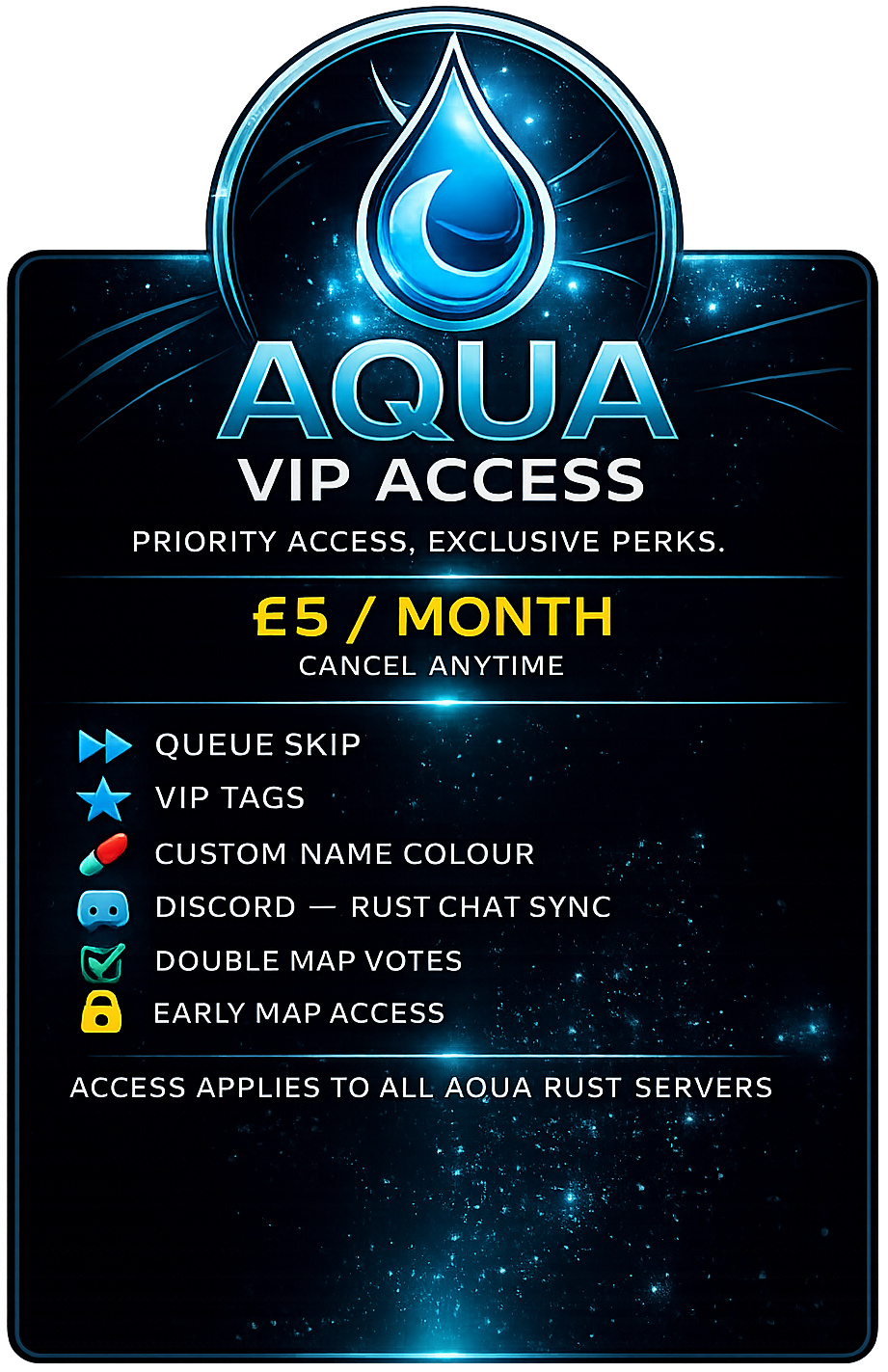
Vanilla Main
All VIP perks included.
Placeholder: add any Vanilla Main specific notes here.


VIP helps support the upkeep of the servers while unlocking useful quality-of-life perks across Aqua Rust. Use the perk cards below for a short description and instructions on how to use them.







This section stays deliberately short for now. VIP Tag is a description-only note, while the other perks keep a placeholder for the instructions later.
Those supporting the server are given the tag so their VIP status is visible in-game.

Connect the website, Discord, and Rust chat so messages can flow between them.
Pick your server from the top of the map, or open the matching Discord channel for the same general chat.
To use the Discord side of this perk, you need to link your Discord account to your Steam account first.
Link Discord & Steam

Give VIP names a distinct colour so they stand out in chat and lists.
These commands work in general chat in-game. Use them to set, preview, or reset your VIP name colour.
Choose a colour
/colour #9d5cff
More detailed after-action raid reports in Discord, including everyone involved and total ordinance used.
This perk is delivered through Discord, so you need to link your Discord account to your Steam account first.
Public reports only show the first attacker and the basic raid summary, while VIP reports expand that to show everyone involved and the total ordinance used once the raid is finished.
Public report
Raid Finished
Attacker:
Gratnak
Location: T24
Started: 19th Jun 08:24 GMT | Duration: 1h 20m 26s | Finished: 19th Jun 09:45 GMT
This is the public version: the first attacker, the location, and the raid timing summary.
VIP report
Raid Finished
Attackers:
Location: T24
Defenders Online: Yes
EXPLOSIVES USED
Started: 19th Jun 08:24 GMT | Duration: 1h 20m 26s | Finished: 19th Jun 09:45 GMT
This is the VIP version: everyone involved, whether defenders were online, and the full explosives breakdown after the raid ends.
Send a DM alert when a raid event happens so VIPs can react quickly.
VIP players can opt in to Discord DMs so they get a private alert when their base starts being raided. Their Discord account must be linked to their Steam account before the alert can be sent.
Discord DM example
Raid alert
This is the compact start-of-raid DM. It gives the player enough information to react quickly, then updates when the raid finishes.
VIP votes count double when choosing maps.
When the next wipe maps are up for voting, VIP members get double vote weight on the wipe map voting page. This helps supporters have a bigger say in which map is used for the next wipe.
Vote weight
The site applies the VIP vote weight automatically when your Steam account has active VIP.
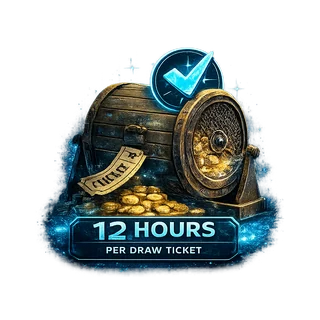
VIP support can reduce the amount needed for monthly draw eligibility.
Monthly draw tickets are earned from playtime across Aqua Rust servers. Standard players earn 1 ticket for every 15 hours played, while VIP members earn 1 ticket for every 12 hours played.
Ticket requirement
Tickets are calculated from server playtime and shown on the monthly draw page.
Placeholder instructions for Preview Upcoming Wipe Maps. Add the exact steps, commands, permissions, or notes here when you're ready.
Placeholder instructions for Staging Branch No-Clip Access. Add the exact steps, commands, permissions, or notes here when you're ready.
Placeholder instructions for Queue Skip. Add the exact steps, commands, permissions, or notes here when you're ready.
These are the server-specific notes from the graphic. They can stay brief because the shared VIP perks are already explained above.
All VIP perks included.
Placeholder: add any Vanilla Main specific notes here.
All VIP perks included.
Placeholder: add any EU 2X specific notes here.
All VIP perks included.
Exclusive skin box access.
Support the community, unlock the VIP perks listed above, and keep the servers running.
Perks are shown in the picture above. The placeholder text is there so we can drop in your exact usage instructions without restructuring the page.